


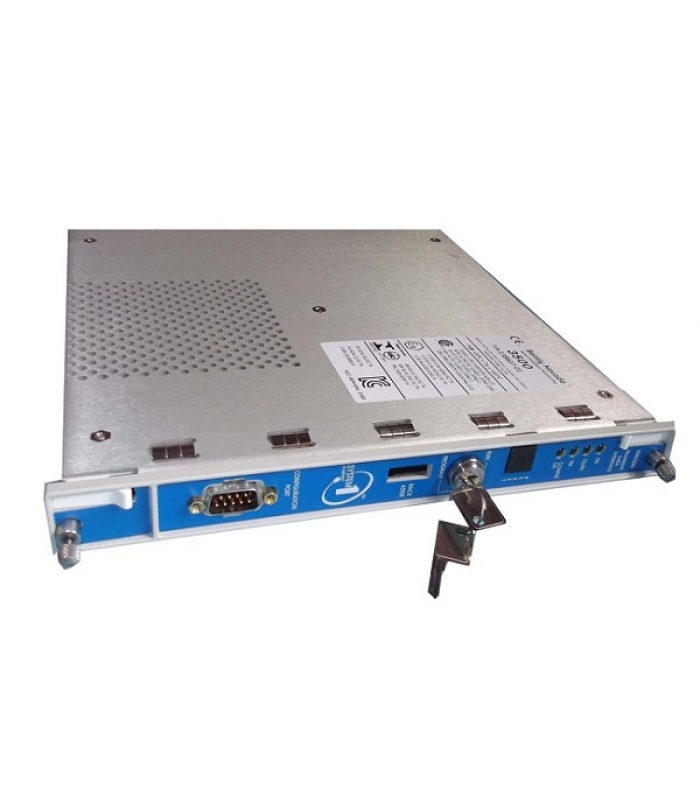
Bently 3500-22M 138607-01 Transient Data Interface Module
- Product Code: 3500-22M 138607-01
- Availability: In Stock
Purchase Attributes:Original, Brand New
Service Attributes
▷ Stock & Logistics:Fast Delivery
▷ After-sales Guarantee:12 Months Warranty
▷ Online Customer Service:24 Hours Online Support
▷ Product Advantages:Competitive Price, Complete Accessories, Long Service Life
Application Attributes:Bently 3500-22M 138607-01, Transient Data Interface Module, Industrial Automation Module, Power Control Unit, Industrial Spare Parts,DCS System
Bently 3500/22M Transient Data Interface Module
Part Number: 138607-01 | Rev. A | Technical Documentation
| Parameter | Value |
|---|---|
| Model | 3500/22M |
| Part Number | 138607-01 |
| Module Type | Transient Data Interface (TDI) |
| Manufacturer | Bently Nevada (Baker Hughes) |
| Dimensions | 43.18 cm x 21.59 cm x 4.45 cm |
| Weight | 2.3 kg |
| Power Requirements | +24V DC (±10%), 10.5W max |
| Operating Temperature | -30°C to +65°C |
| Storage Temperature | -40°C to +85°C |
| Humidity | 5% to 95% non-condensing |
| IP Rating | IP20 (when installed in rack) |
| EMC Compliance | IEC 61000-4-2, IEC 61000-4-3 |
| Agency Approvals | CSA/NRTL/C (Class 1, Division 2) |
| Interface | Specification |
|---|---|
| Ethernet | 10Base-T / 100Base-TX (RJ45) |
| Fiber Optic | 100Base-FX (ST connector) |
| USB | USB-B port (front panel) |
| Rack Interface | 3500 Series backplane connector |
| Protocols | BN Host Protocol, Modbus RTU/TCP |
- OK LED - Green (Normal operation)
- COMM LED - Yellow (Communication activity)
- ALARM LED - Red (Module fault)
- PWR LED - Green (Power applied)
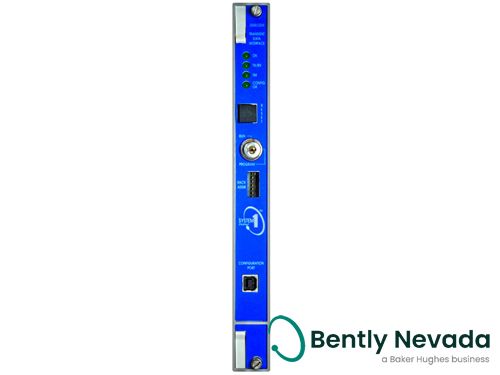
Bently Nevada 3500/22M Transient Data Interface Module
Key Function
The 3500/22M TDI module serves as an interface between the 3500 monitoring system and compatible software (System 1 and 3500 Configuration Software). It combines the functionality of the 3500/20 Rack Interface Module (RIM) with data acquisition capabilities for steady-state and transient dynamic data.
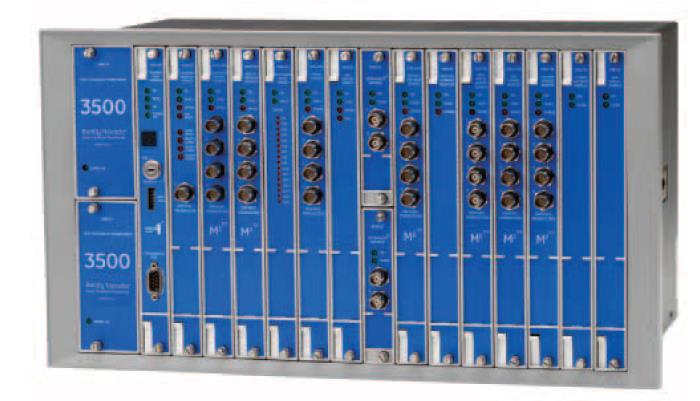
Bently Nevada 3500 Series Rack with Modules
Typical Connections:
- Ethernet cable to host computer (RJ45)
- Fiber optic cable for long-distance communication (ST connector)
- USB connection for local configuration
- 3500 rack backplane connection to other modules
- Relay output connections for external alarms
Verify that the PWR LED is illuminated. If not, check power supply connections and fuses.
Check the COMM LED for activity. If not flashing, verify network connections and IP settings.
If ALARM LED is lit, use System 1 software to check for fault codes and module status.
Connect directly via USB to verify module functionality independent of network.
Verify communication with other modules in the rack via backplane.
Common Issues
- Network configuration conflicts
- Outdated firmware
- USB driver issues
- Rack power supply problems
- Backplane connection errors